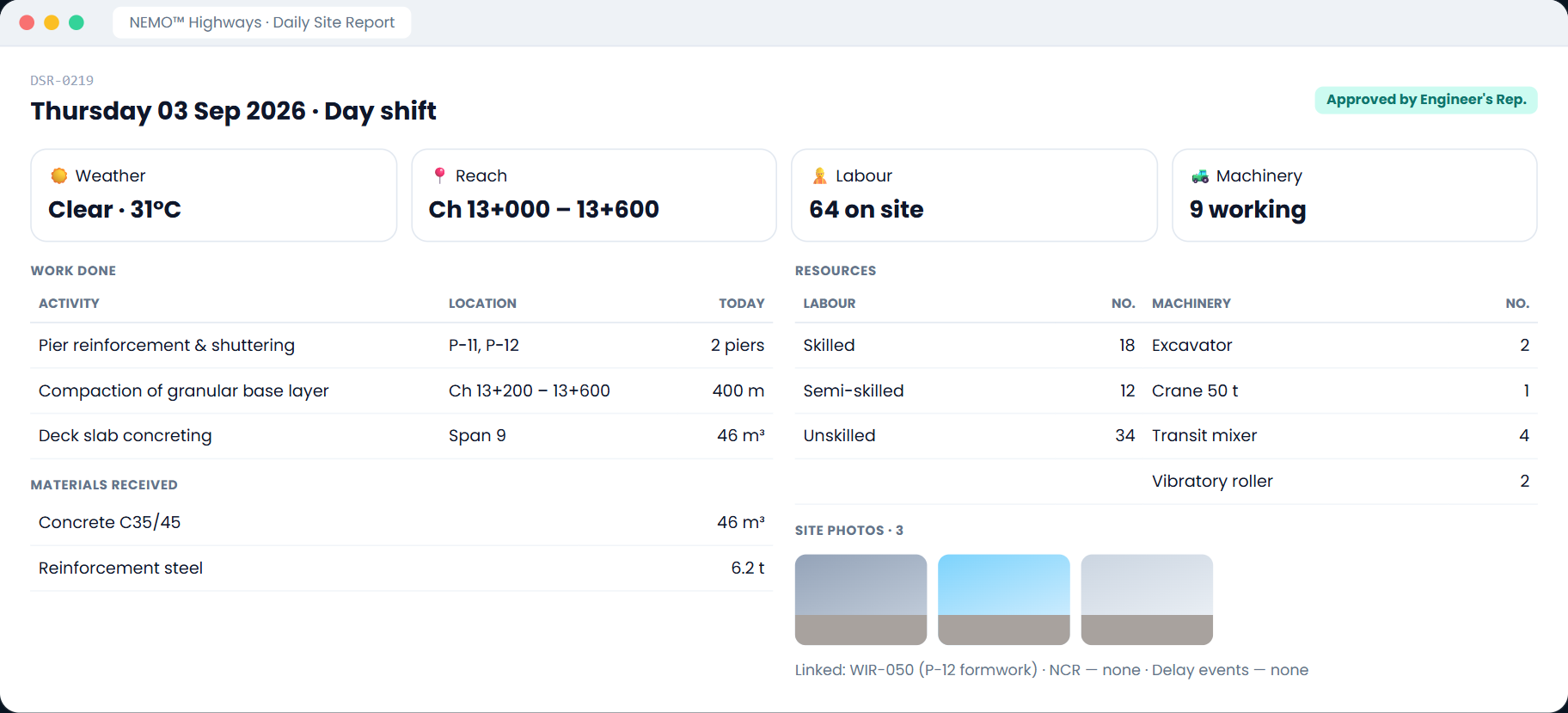
A highway package is measured by chainage, buried layer by layer, and paid against Schedule H. NEMO records it that way — so a daily report, an inspection or an NCR is already located, already dated, and already citable in a formal letter under your conditions of contract.
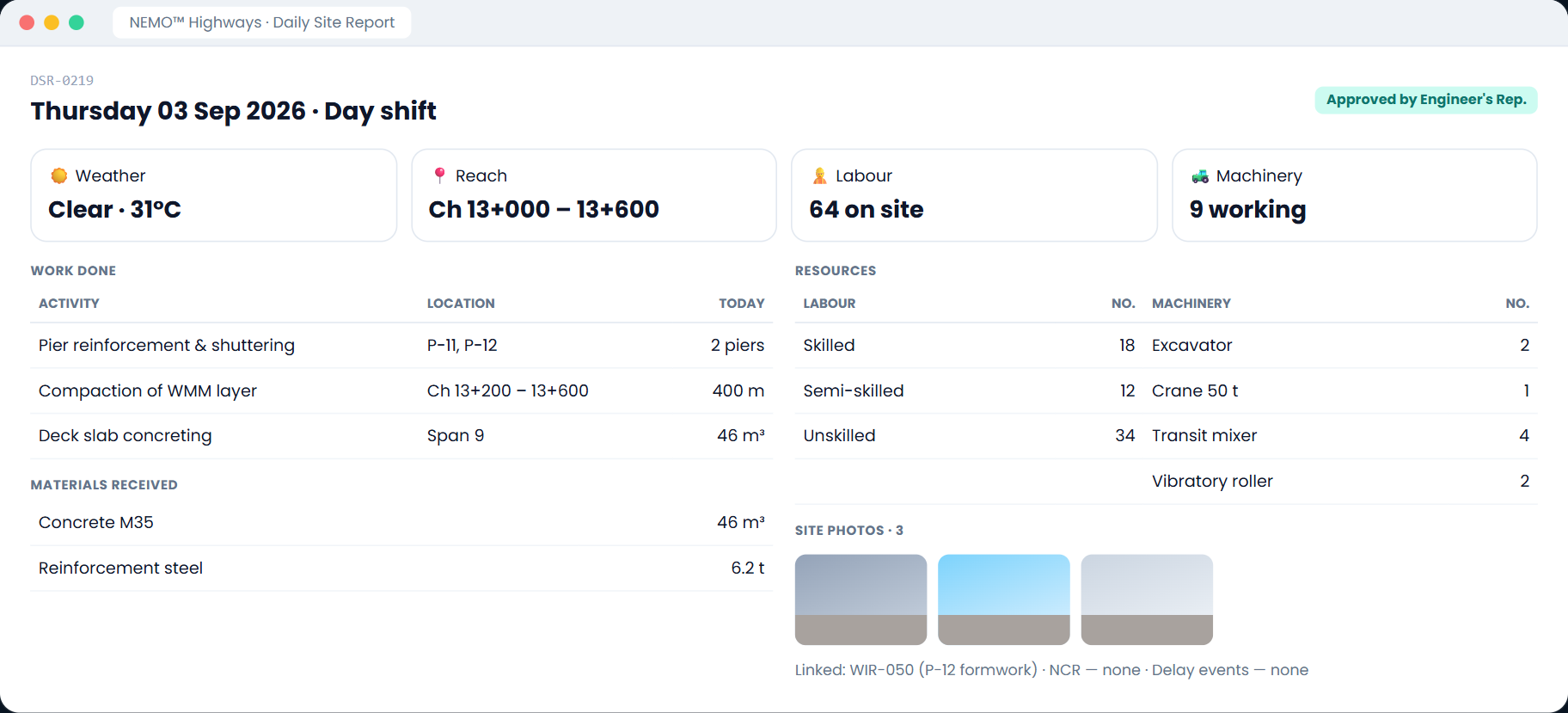
Location is a first-class field on the daily site report, observations, inspections and RFIs — as a point (Ch. 42+300) or as a reach (Ch. 42+300 to 44+100). Filter any register by stretch of road and the whole history of that reach comes back at once.
An observation is a point. A day's work is a reach. Both are recorded the way the work actually happened.
An EOT argued over a specific reach pulls every DSR, WIR, NCR and RFI that touched it — no manual archaeology.
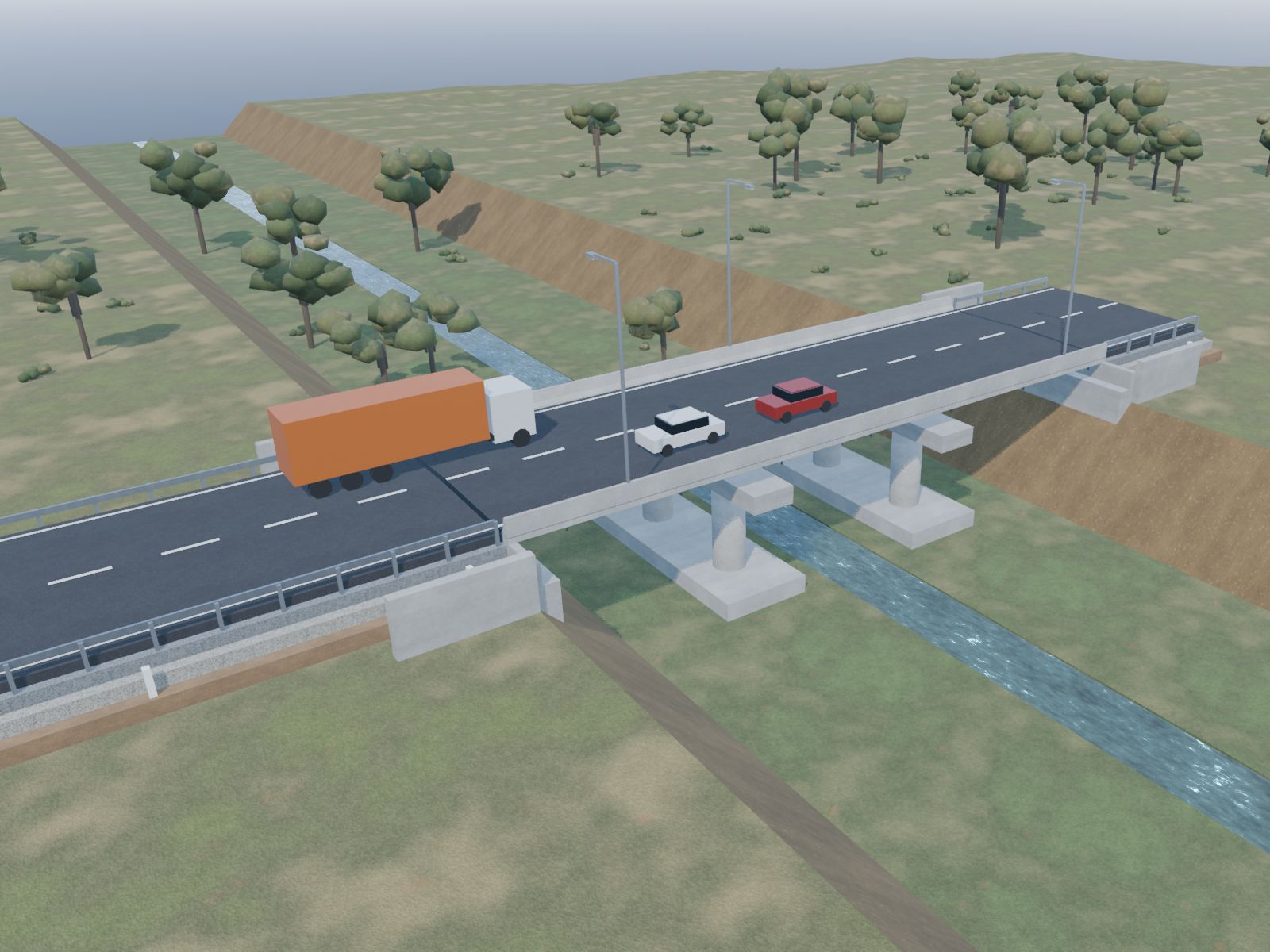
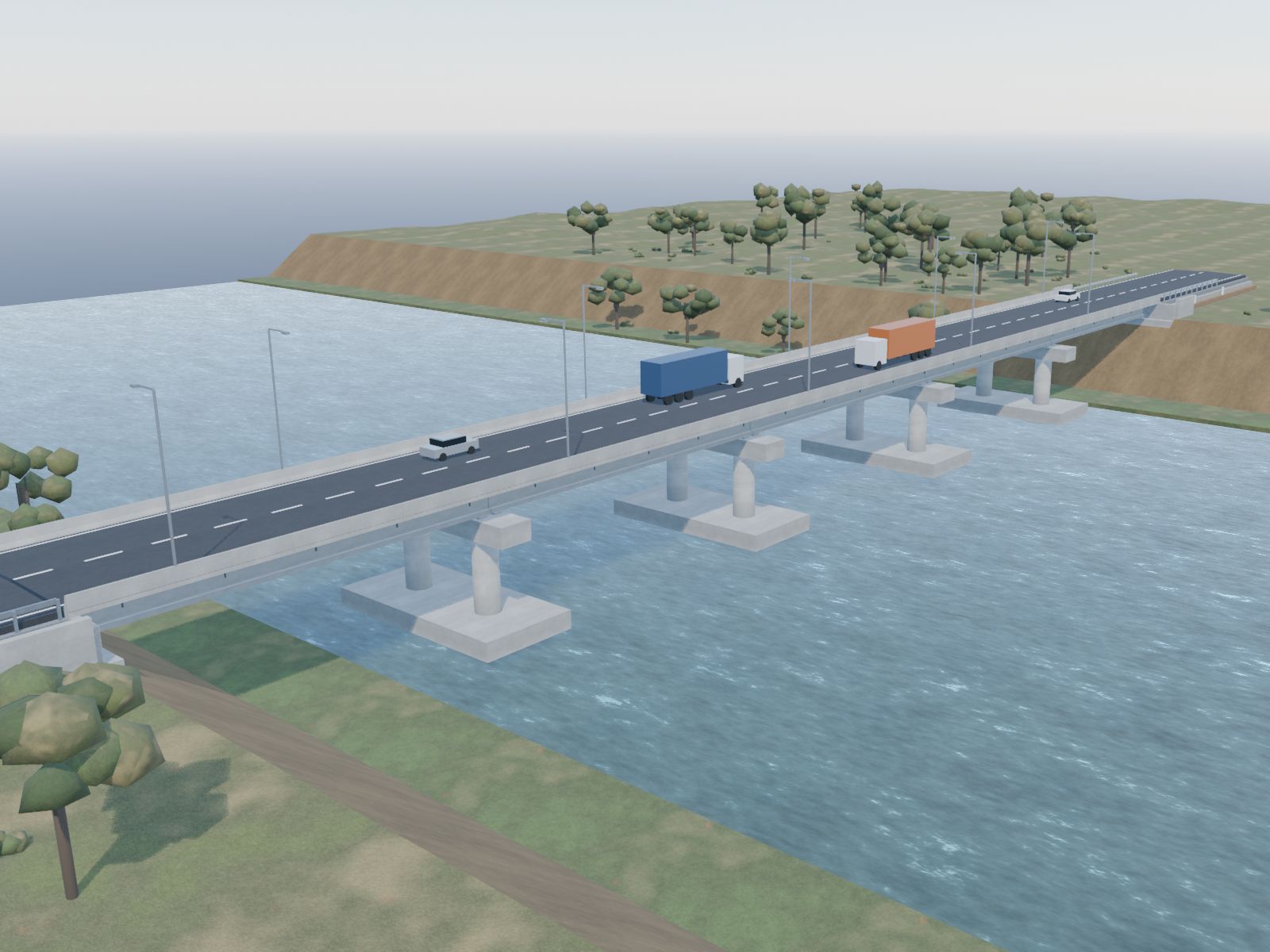
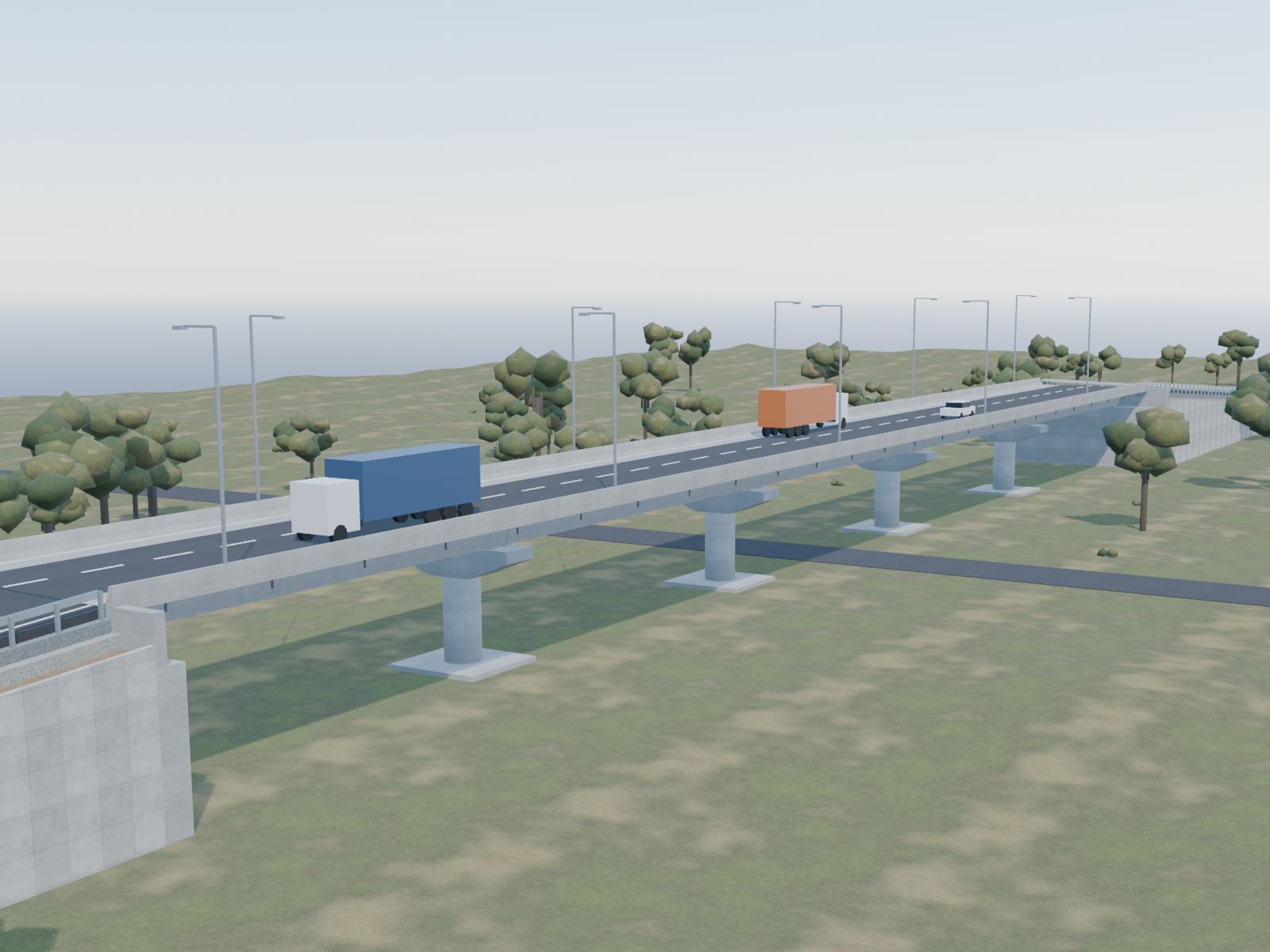
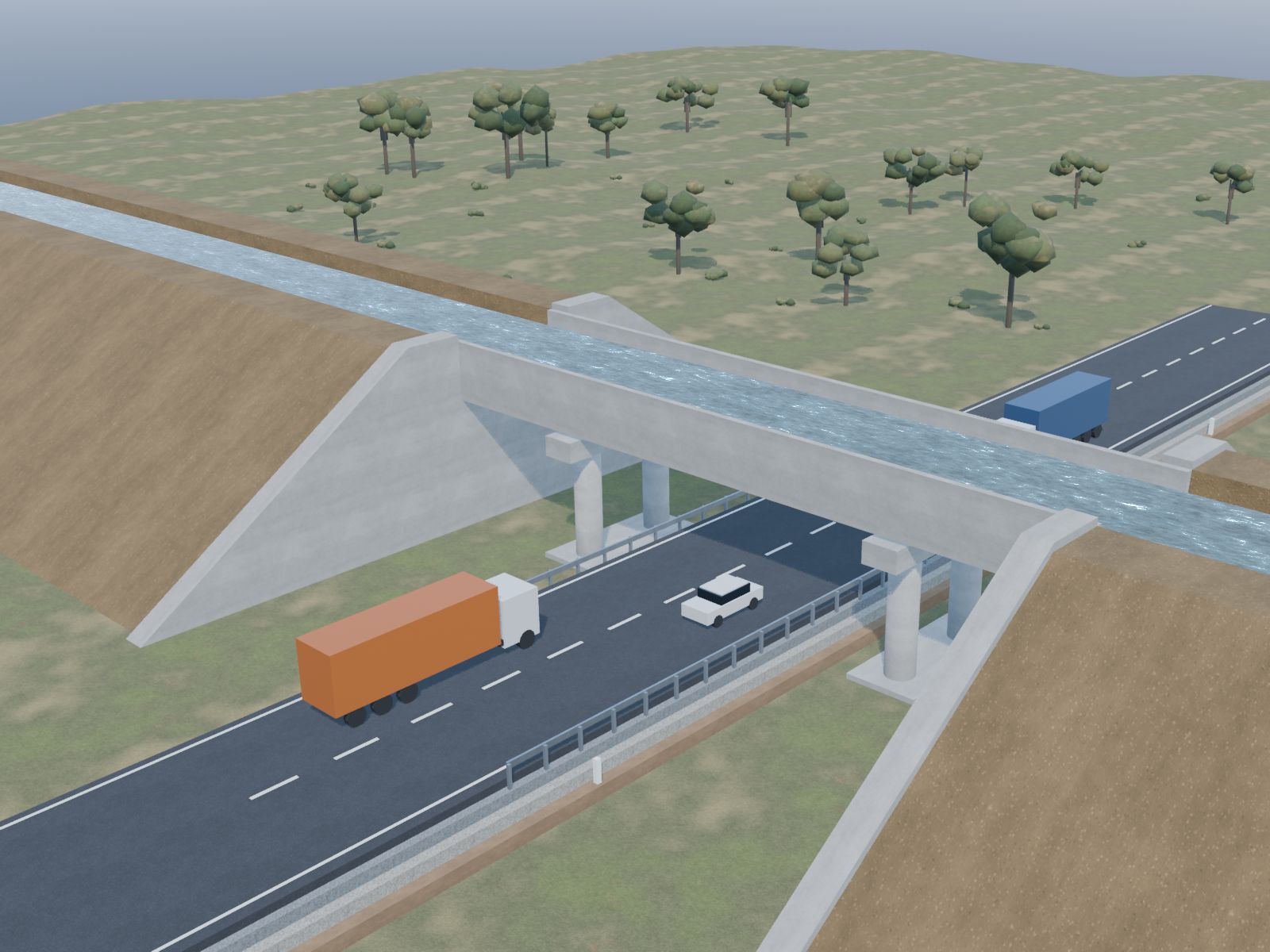
Bridge elements are named to the drawing register convention, so records and drawings agree on what P-3 is.
Illustrative reach shown on an anonymised 4-lane package.
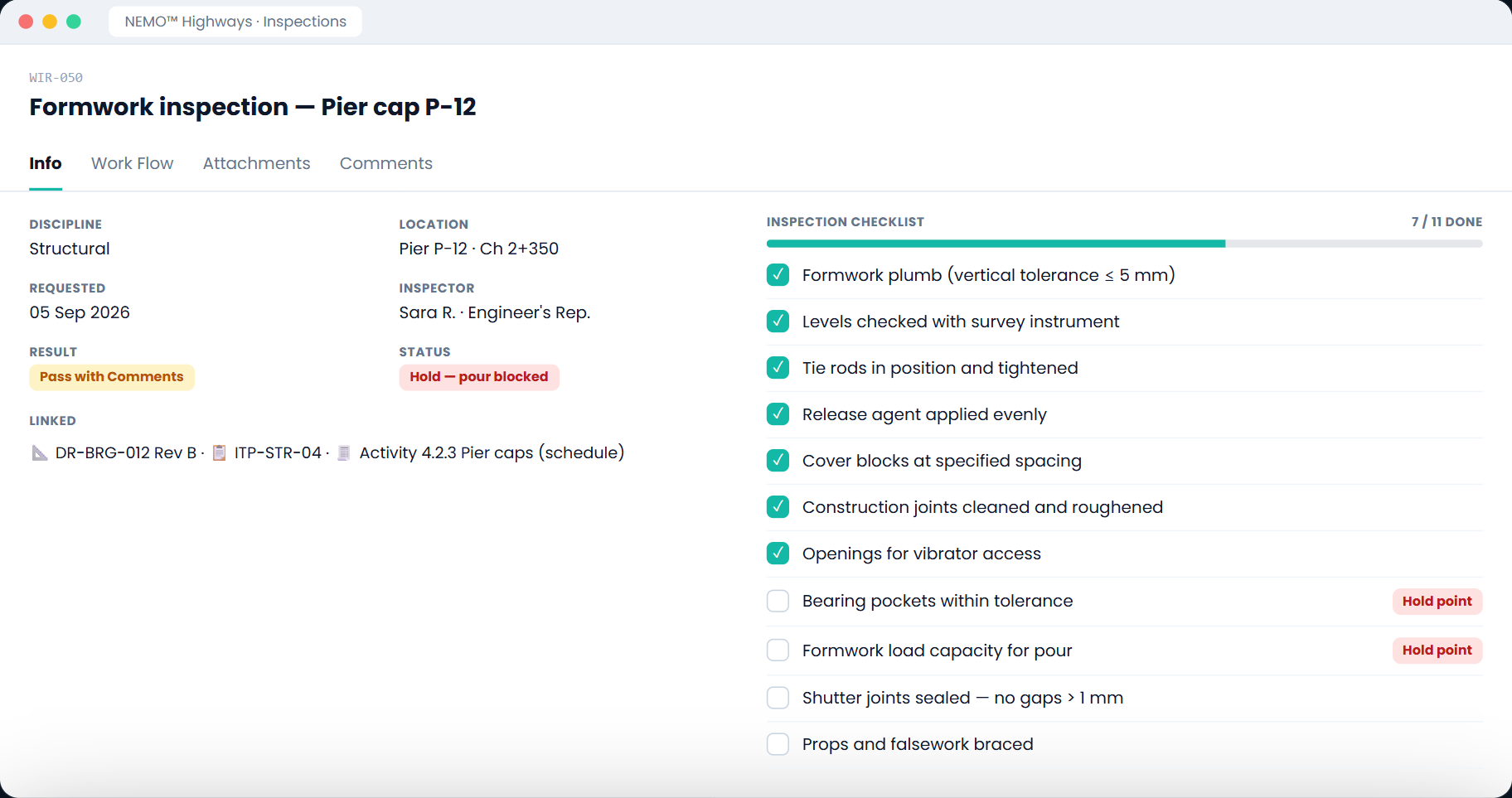
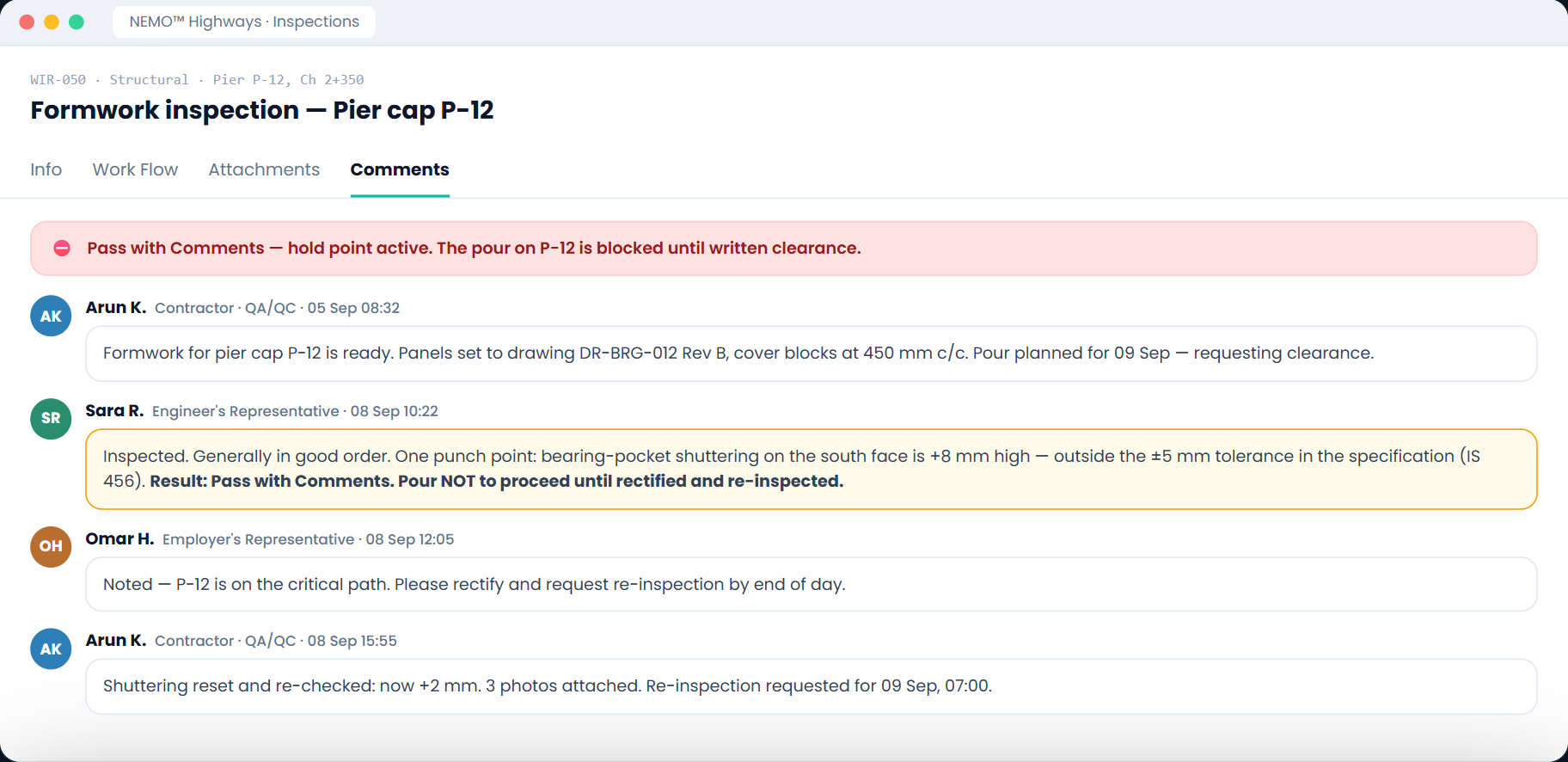
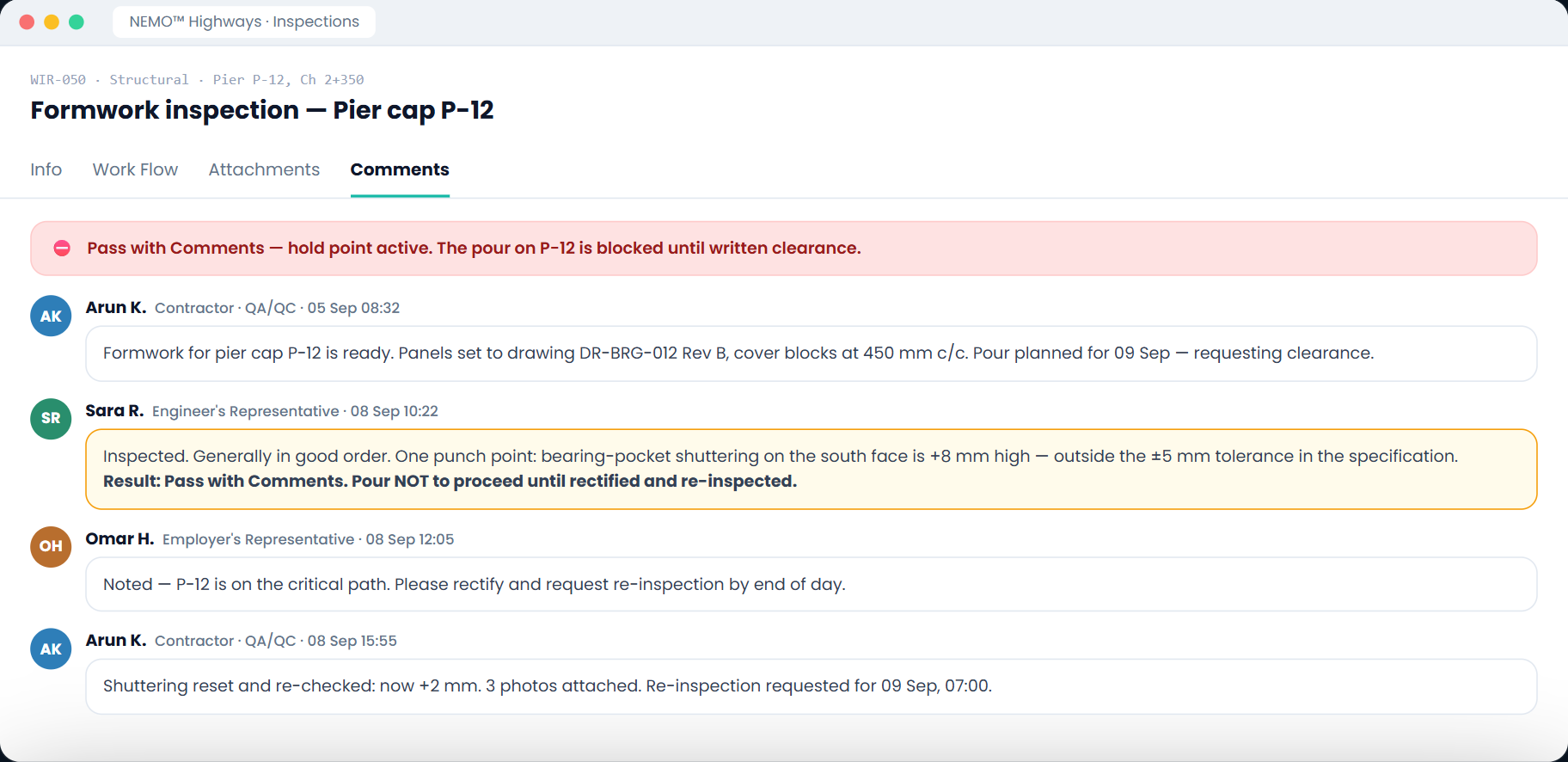
Once a layer is covered by the next one, the evidence is physically gone. A work inspection request carries a checklist, a named inspector, a result and hold points — and if the result is Fail or Pass with Comments, work does not proceed until the PMC issues written clearance. The clearance is recorded, and the element is re-inspected.
The NCR is in one register, the inspection in another, the daily report in a site diary, the photographs on someone's phone.
Someone retypes references, dates and severity into a Word template. One transposed reference and the reply challenges the notice itself.
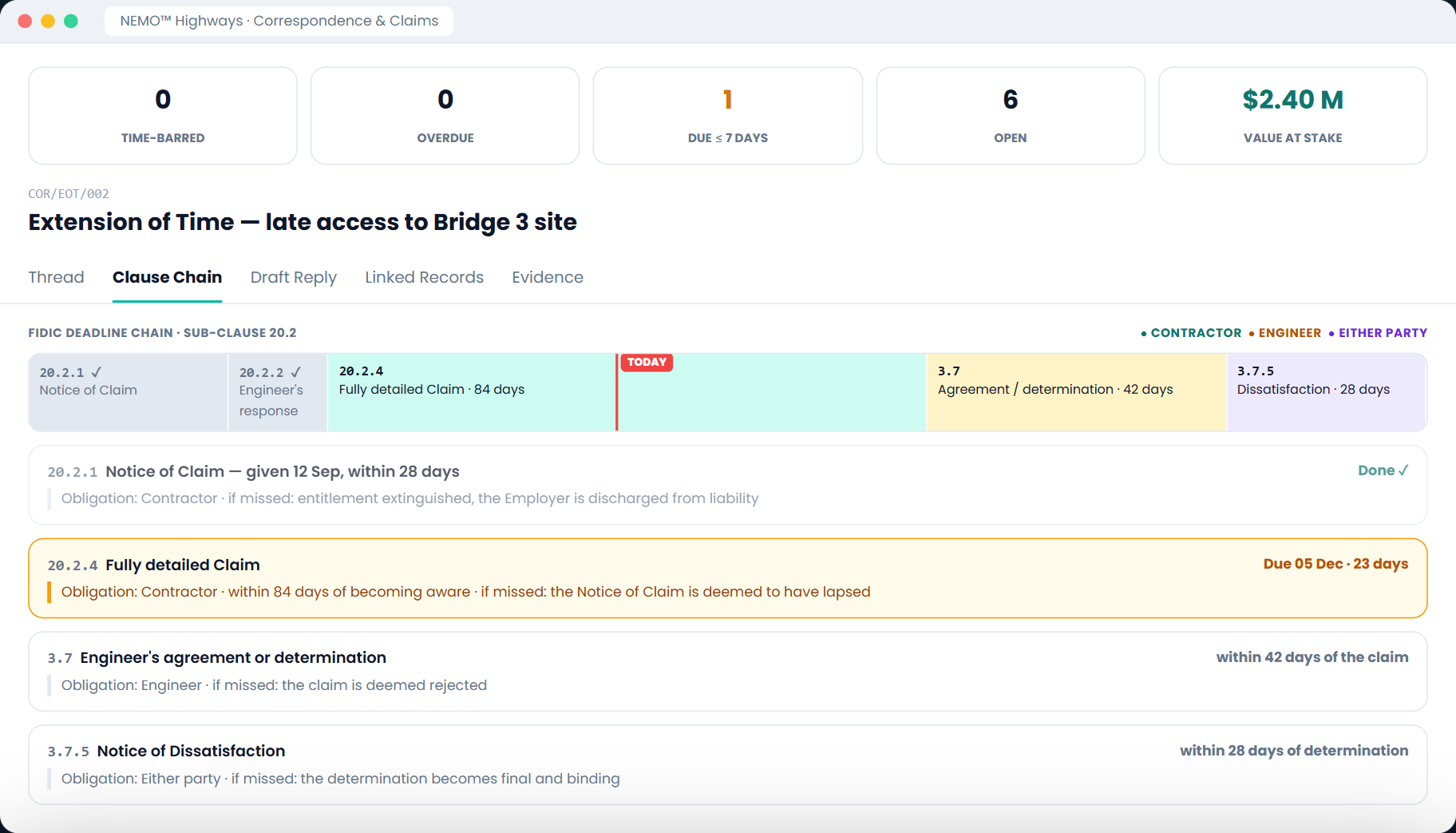
A 28-day notice under FIDIC 20.2 is time-barred whether or not anyone was counting. Nothing on a spreadsheet turns red on day 27.
Attach site records to a thread and the draft letter's {{CIRCUMSTANCES}} slot fills itself with a formal citation for each — correct reference, correct date, correct chainage, correct severity. Never typed by hand.
Dear Sir,
Reference is made to Non-Conformance Report NCR-0015 dated 14 August 2026, relating to Pier P-3 cover block spacing at Ch. 42+300 (Severity: Major). Reference is further made to Work Inspection Request WIR-0042 for Pier P-3 reinforcement cage, inspected on 12 August 2026 with result: Fail.
You are hereby instructed, under Sub-Clause 15.1 of the Conditions of Contract, to rectify the said non-conformance within [REASON — period and specific remedial works] of the date of this notice.
Yours faithfully,
Upload the signed conditions — a standard international form, a national or state authority's own document, an EPC agreement, or conditions drafted for this package alone — and every clause is extracted into a searchable Clause Library that feeds the clause chain in every thread.
The draft becomes a dated PDF on your letterhead, is logged as Issued, can no longer be edited, and goes out through Transmittals with an acknowledgement record.
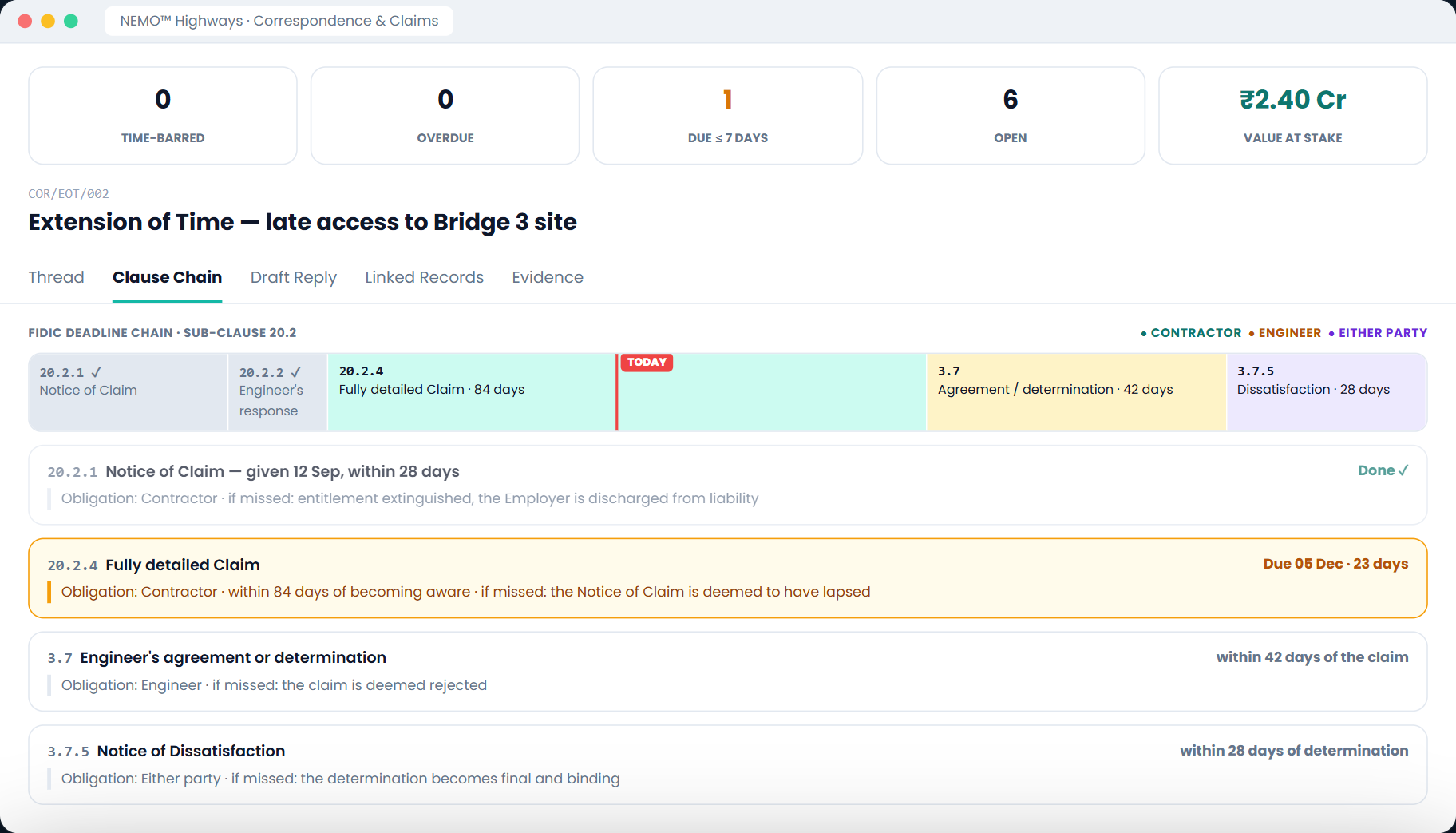
NEMO computes the response deadline from the thread's awareness date and its governing clause, and turns it red when overdue. Periods come from the conditions you uploaded — a bespoke 21-day notice is tracked as faithfully as a standard 28-day one.
Clause numbering and periods are read from the conditions on your own project — the chain above is one contract's; a bespoke form produces its own.
NDAs, labour rate schedules, Letters of Award and contract agreements are agreed inside the platform. Each party's registered stamp is embedded in the PDF — no printing, no scanning, no re-uploading.
The PMC or Client reviews and applies their stamp. The document enters partial agreement; the other party is notified.
The Contractor opens the same document, already carrying the first stamp, and applies their own. Both impressions and timestamps are stored in the PDF.
A fully stamped document can never be edited or replaced. A change means a new revision, stamped again from the start.
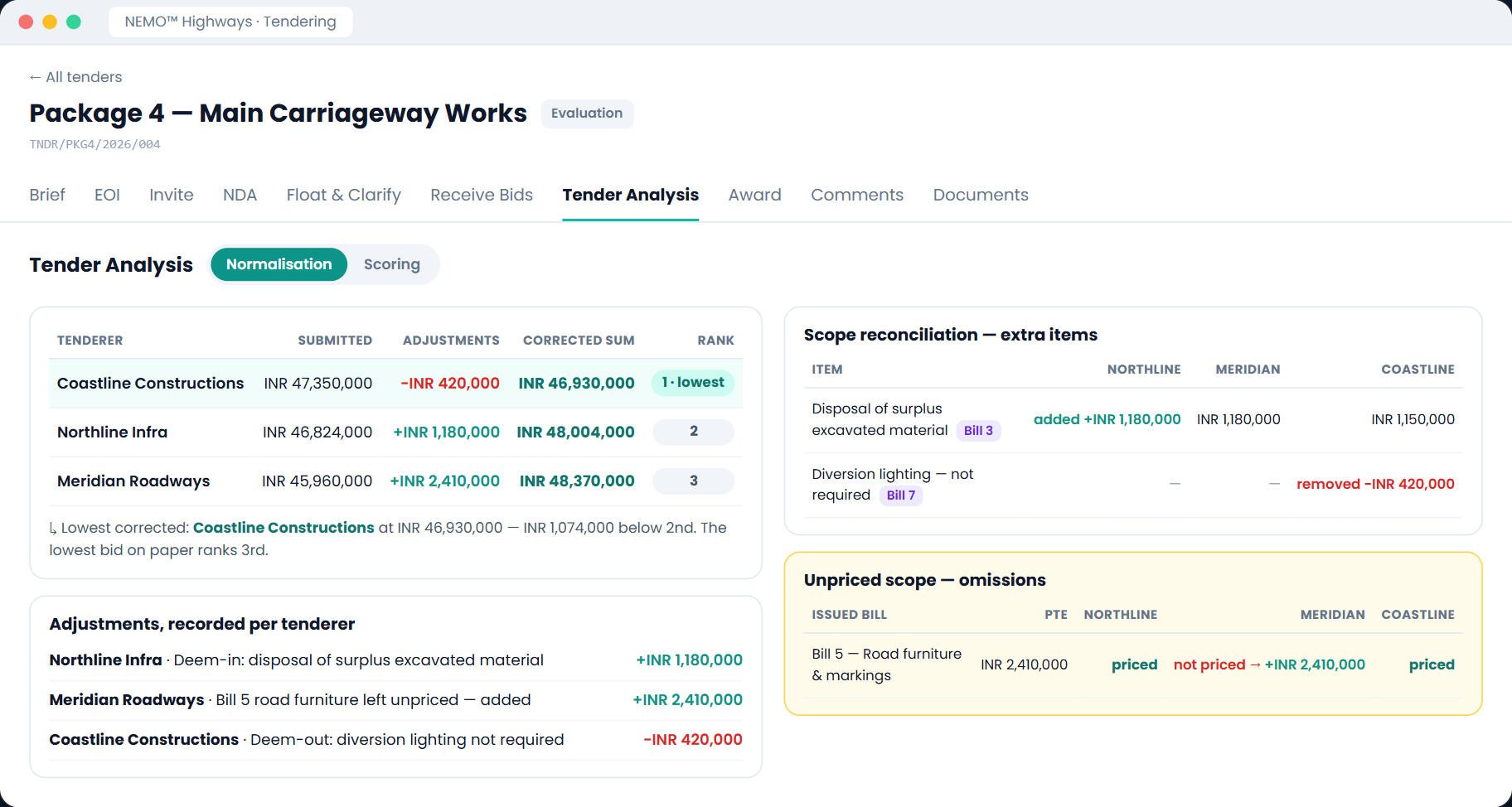
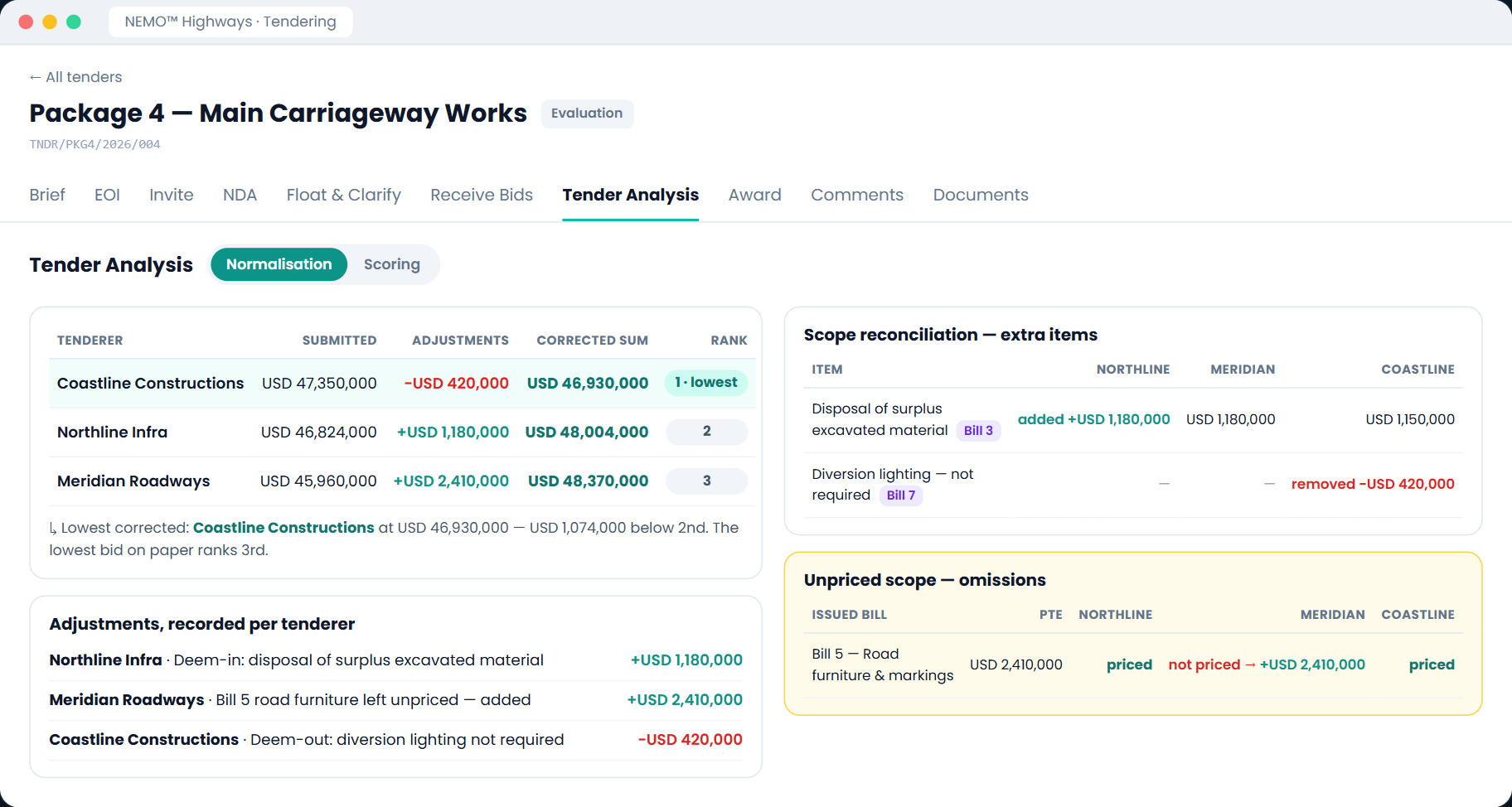
Arithmetic corrections, rate-anomaly loadings and conditional discount adjustments sit in a normalisation ledger, so each adjusted price is defensible line by line.
Once the LoA is fully stamped, one click creates the Contracts record — party, value, dates and contract number already filled in.
Every module follows the same create, submit and approve pattern. Buttons, drawer, status badges and permissions behave identically everywhere, so a new site engineer is productive on day one.
Project Admin — everything, including delete.
PMC Engineer — create, edit, submit and approve.
Contractor (Submit) — own records only, submit but never approve.
Viewer — read-only.
The same person can be a PMC Engineer in Inspections and a Viewer in Contracts. Access follows responsibility, which is what an audit expects when it asks who could have approved what.
A live package, your Conditions of Contract, and one open claim is enough to see the difference — the clause library read from your own contract, and the first letter that cites its evidence without anyone retyping a reference.